 SharePoint Elegance


TL;DR - Quick Answer
Traditional intranet projects take 6 months. With the SharePoint Elegance framework, we use pre-configured SPFx web parts and automation scripts to deploy a fully branded, functional intranet in just 15 minutes. Follow this guide to see how we do it.
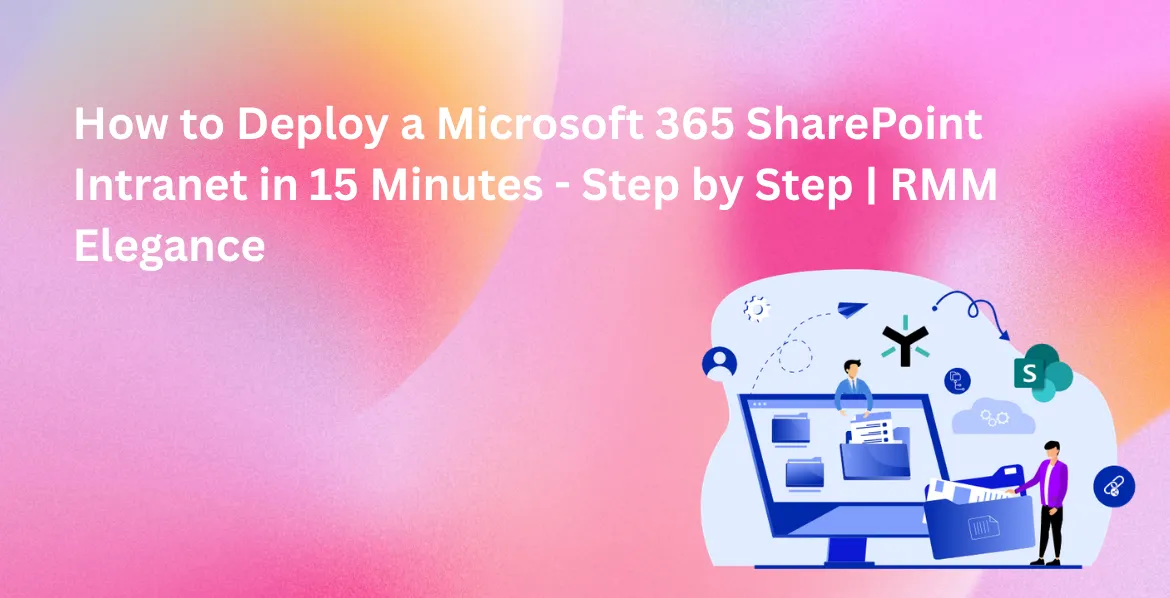
The 15-Minute Intranet Reality
For years, a "SharePoint Intranet" meant complex coding, expensive consultants, and months of waiting. At RMM Elegance, we’ve changed that. By standardizing the build process and creating a library of 30+ SPFx web parts (built on the official SharePoint Framework (SPFx)), we've reduced the deployment time to under a quarter of an hour.
Step 1: Environment Readiness (2 Minutes)
First, we ensure your Microsoft 365 tenant is ready. This involves creating a dedicated communication site acting as your Intranet Hub following Microsoft 365 modern hub architecture. No custom servers are required - everything lives in your secure Azure-backed environment.
Step 2: Framework Injection (5 Minutes)
This is where the magic happens. Instead of manually building pages, we use a proprietary deployment script that "injects" the SharePoint Elegance framework. This instantly populates your site with modern navigation, headers, and the core site structure.
Step 3: Component Activation (5 Minutes)
Next, we activate the prebuilt components. This include Employee Dashboards, News Feeds, Quick Links, AI-driven search boxes, and Microsoft Copilot integration, fully aligned with Microsoft Copilot in SharePoint readiness standards. These are SPFx-based, meaning they are fast, responsive, and mobile-friendly.
Step 4: Branding & Final Polish (3 Minutes)
Finally, we apply your company's branding. Logos, primary colors, and custom fonts are applied across the entire site instantly. Your intranet now looks like a premium, custom-built application rather than a default Microsoft template.
Why Speed Matters?
Speed isn't just about saving time; it's about momentum. Organizations that launch quickly see 40% higher adoption rates because the excitement of the "new digital home" isn't lost in long project cycles.
Conclusion
Deploying a modern intranet doesn't have to be a burden. With the right framework, you can bridge the gap between "standard SharePoint" and a premium digital workplace in minutes, not months.
Explore Related SharePoint Resources
Solutions & Documentation
Get Started Today
Transform your SharePoint intranet into an engaging, branded digital workspace. With RMM SharePoint Elegance, your team can collaborate, communicate, and connect effortlessly.
Contact Us