 SharePoint Elegance


To create a highly productive SharePoint intranet in 2025, focus on defining clear business goals, building a logical information architecture, and implementing modern SPFx web parts. By leveraging Power Automate for workflow automation and focusing on mobile-responsive design, you can reduce document search time by up to 40% and foster better employee engagement.
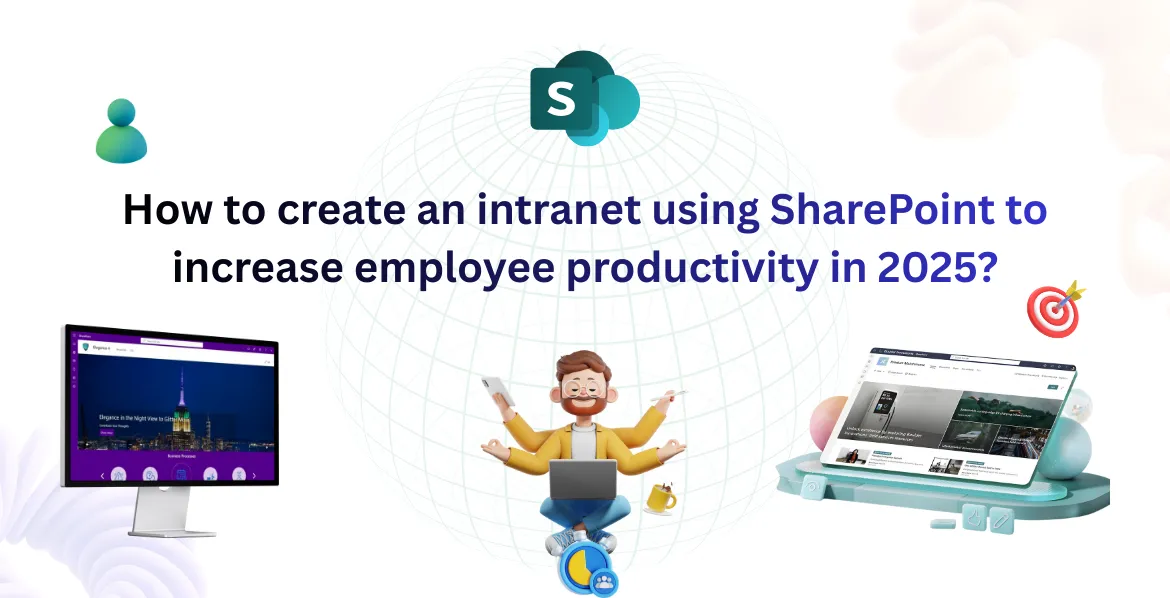
How to create an intranet using SharePoint to increase employee productivity in 2025?
Introduction
Employees spend hours each time searching for documents, navigating between tools, and waiting for approval. This problem is solved by modern SharePoint intranets.
- Centralized content repository
- Collaboration and communication improved
- Automated workflows
- Access to Business Apps
- Mobile-ready employee experience
Microsoft 365 is evolving rapidly, making it essential to design a resilient, future-proof SharePoint Online intranet that aligns with your organizational workflow.
Creating a Digital Workplace in SharePoint Modern:
1. Identify your intranet goals
Before you design anything, answer the following question:
- What problems can the intranet solve for business?
- Who is the primary user?
- Which tasks could be automated or made faster?
2. Create a Clear Information Architecture
A great intranet is built upon a solid foundation.
- Department sites (HR, IT, Finance, Sales)
- Hubs for centralized navigation
- Metadata & tagging for easy search
- User-friendly menus
A neat structure makes it easier to find content and saves time.
3. Create a modern, user-first design
Your intranet needs to be easy on the eyes.
- Prebuilt SPFx web parts & components
- Modern SharePoint web parts guide
- Mega menus and intuitive navigation
- Custom branding & themes
- Responsive mobile layouts
The employees should feel as if they are using a digital workplace, not a traditional folder repository.
4. Power Automates Workflows
Productivity increases when manual tasks are eliminated. Automate common processes:
- Leave requests
- Approvals
- Onboarding workflows
- Helpdesk requests
- Document reviews
SharePoint + Power Automate creates a fully connected, low-code automation system.
5. Centralize knowledge & documents
When content is dispersed, employees lose productivity. Use:
- Document libraries
- Version control
- Search refiners
- Managed metadata
Create a knowledge Hub to house policies, guides and FAQs.
6. Add Employee Engagement Features
A modern intranet should be more than just an information portal, it should feel active, engaging, and connected.
- News & Announcements to keep employees informed with the latest updates
- Corporate Events to promote participation and team involvement
- Surveys and Polls to gather employee feedback and insights
- Recognition Badges to appreciate achievements and boost morale
- CEO Corner to share leadership messages and company vision directly with employees
These engagement tools help employees feel involved, promote teamwork, and create open communication key drivers of productivity in a SharePoint intranet.
7. Ensure security, permissions & compliance
Set up:
- Role-based access
- Secure sharing
- Compliance policies
- Data retention rules
It is possible to ensure safety while still maximizing productivity.
8. Analyze Performance with Analytics
To ensure your SharePoint intranet continues to deliver value, it’s essential to measure how employees use it by leveraging SharePoint Analytics.
- Employee engagement levels across pages and features
- Most visited content, helping identify what matters most to users
- User search behavior to uncover what employees are trying to find
- Missing content or broken navigation paths that affect user experience
These insights allow organizations to continuously refine the intranet, improve usability, and ensure it supports employee productivity effectively across modern teams.
Key Benefits of a Modern SharePoint Intranet
Advantages of a future-facing SharePoint Intranet: help employees find documents 40% faster, unify distributed teams, boost employee engagement, automate repetitive tasks, and support hybrid work at enterprise scale.
Frequently asked questions
1. How does a SharePoint intranet improve employee productivity?
A modern SharePoint intranet improves productivity by centralizing documents, reducing time spent searching for information, automating routine workflows, and enabling seamless collaboration through Microsoft 365 tools.
2. What essential features should a modern SharePoint intranet include?
A high-performance SharePoint intranet should include a clear information architecture, modern SPFx web parts, mobile-friendly design, Power Automate workflows, centralized document libraries, employee engagement features, and built-in analytics to continuously improve the user experience.
3. Can SharePoint intranet workflows really reduce manual work?
Yes. By using SharePoint with Power Automate, organizations can automate tasks such as leave requests, approvals, onboarding, document reviews, and helpdesk requests.
4. Is a SharePoint intranet secure for enterprise data and compliance needs?
SharePoint Online offers enterprise-grade security with role-based access, secure sharing, data retention policies, and compliance controls.
5. How does analytics help improve a SharePoint intranet over time?
SharePoint Analytics provides insights into employee engagement, popular content, search behavior, and navigation issues. These insights help organizations identify gaps, improve usability, and continuously optimize the intranet to better support employee productivity.
Conclusion
A contemporary SharePoint intranet is one of the highest-ROI investments for organizations seeking to boost productivity, eliminate document sprawl, and enhance the employee experience. For pricing models and packages, explore our SharePoint Intranet Pricing, or review our prebuilt SPFx Components to accelerate your deployment.
Explore Related SharePoint Resources
Ready to Launch Your SharePoint Intranet?
Schedule a personalized walkthrough with our intranet specialists.
Request a Consultation & Live Demo