 SharePoint Elegance
Home / Components
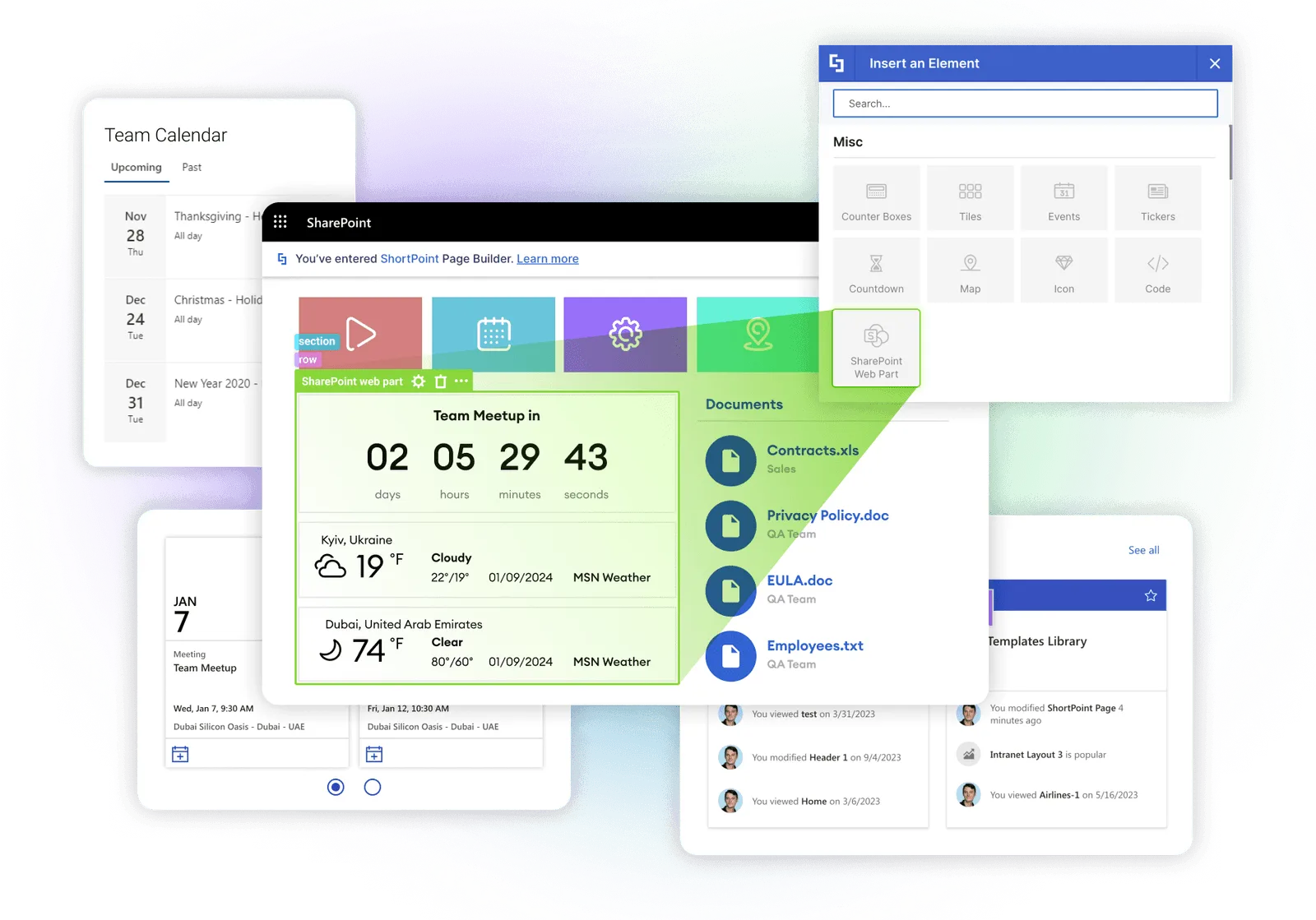
Transform Your SharePoint Intranet with Advanced Components
Explore powerful, no-code SharePoint web parts by Elegance to boost engagement and workflows.


 Layout
Accordion
Expandable content panels for FAQs, guides, and structured information layouts.
Explore Docs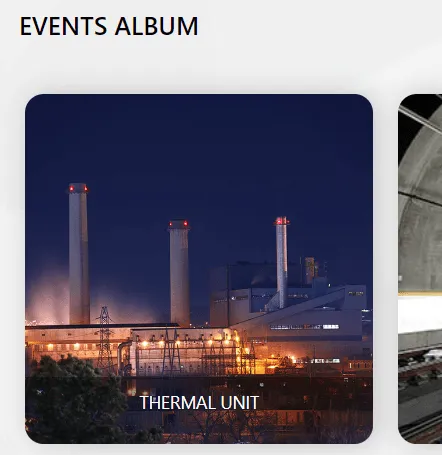 Media
Media
Album
Showcase grouped images or event highlights in a clean gallery format.
Explore Docs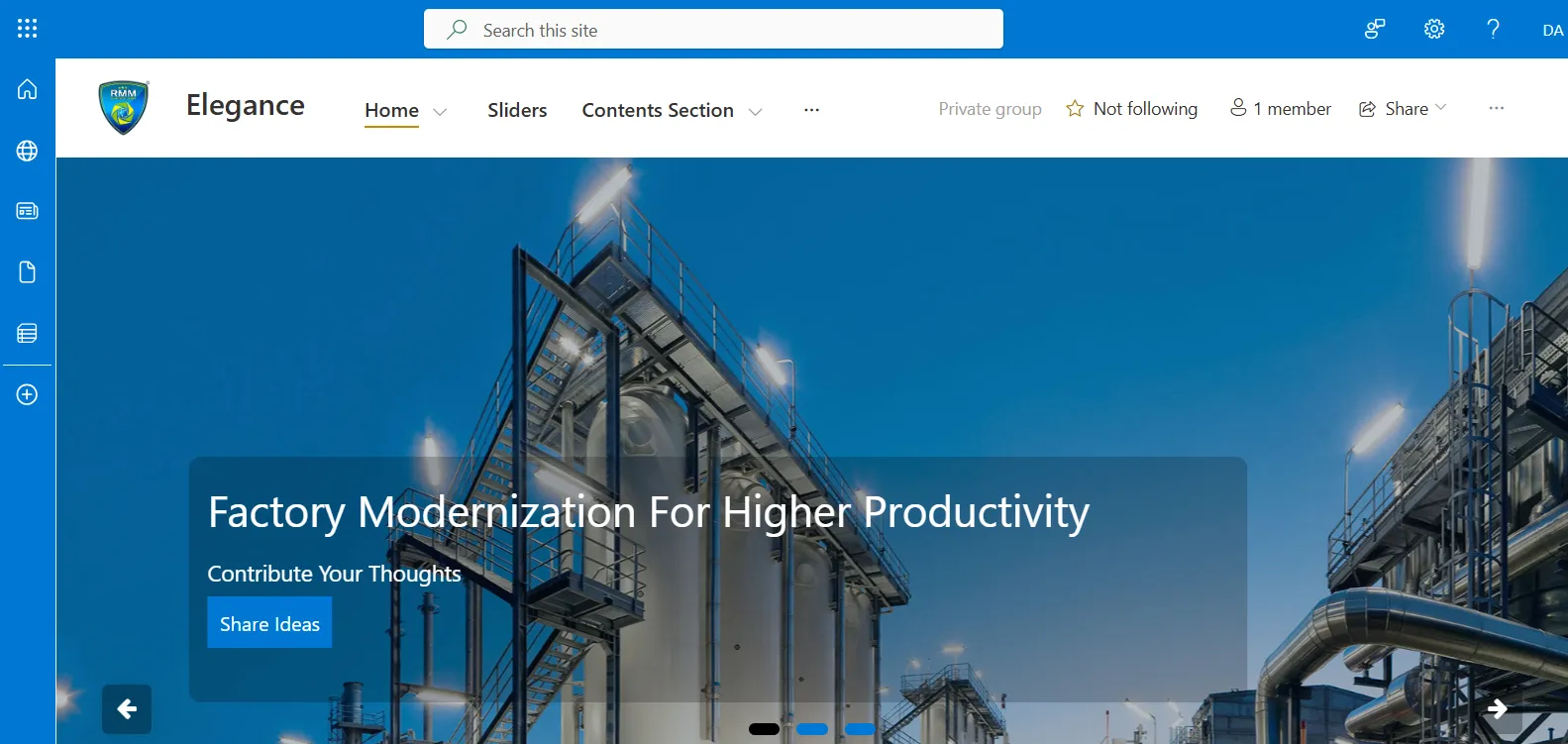 Media
Media
Banner Slider
Display promotional visuals with auto-slide transitions and action prompts.
Explore Docs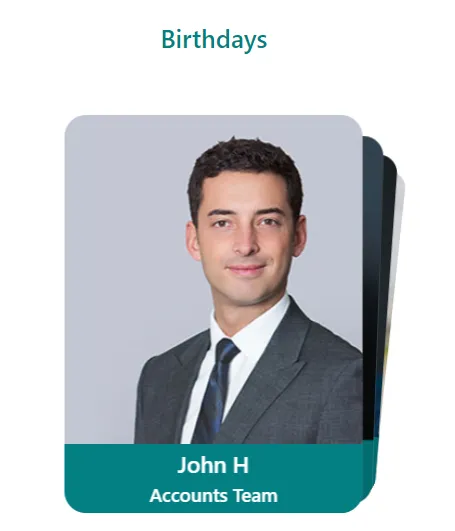 Engagement
Date Carousel
Highlight upcoming birthdays and milestones using animated card rotation.
Explore Docs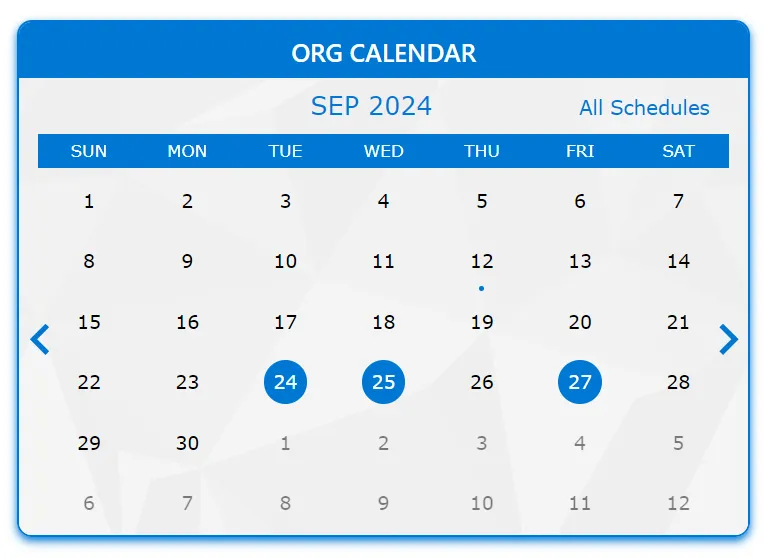 Productivity
Calendar
Visualize upcoming meetings, deadlines, and important timeline events.
Explore Docs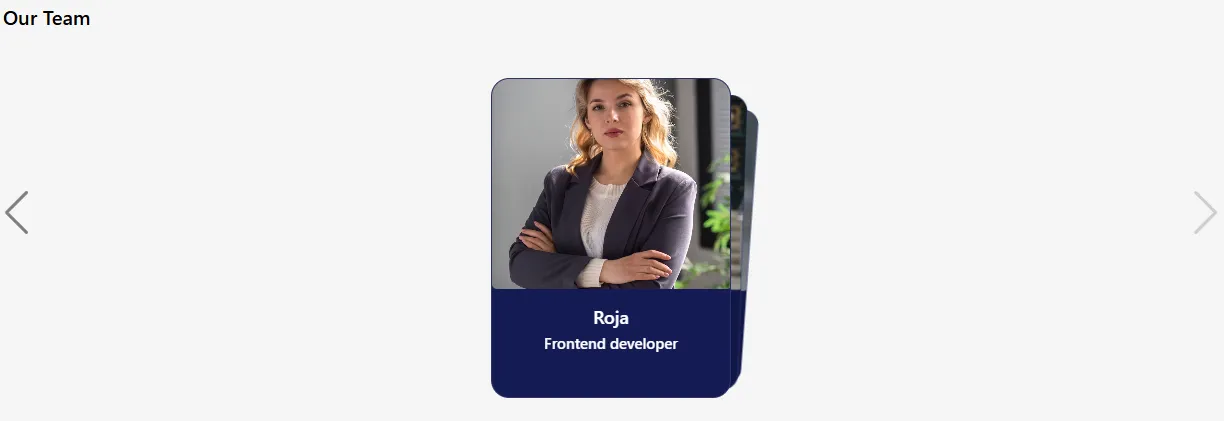
Card View Navigation
Browse categories or content using a modern, card-based visual navigation layout.
Explore Docs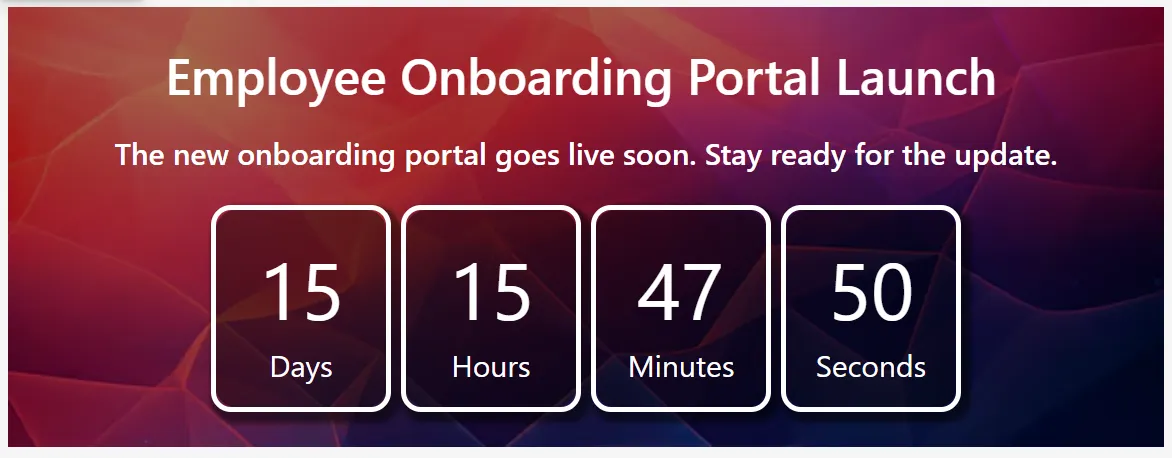 Utility
Countdown Timer
Display a live timer showing remaining days, hours, minutes, and seconds for events.
Explore Docs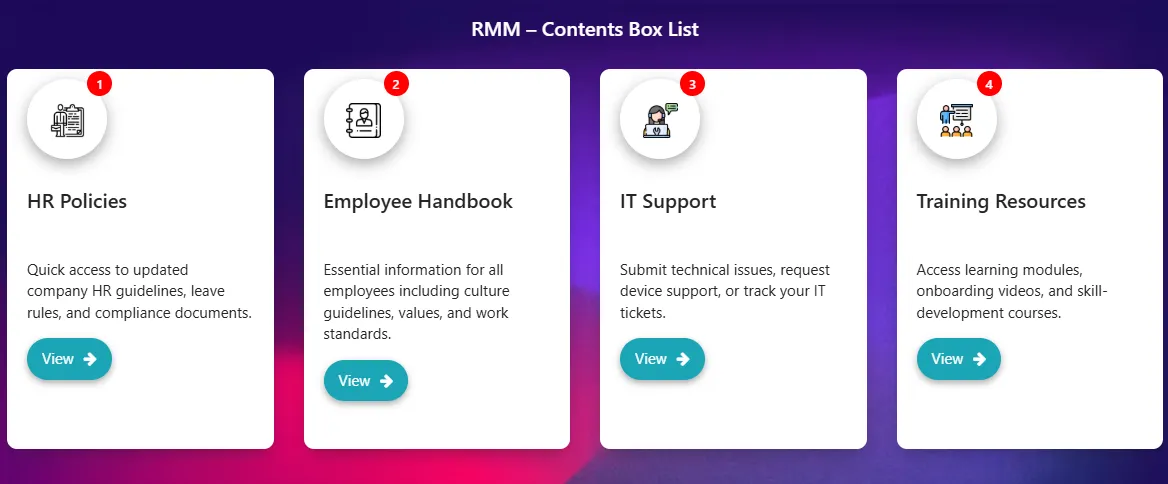 Layout
Content Box
Create structured info cards with title, description, icon, and quick-access link.
Explore Docs
Coverflow Navigation
Interactive 3D-style coverflow navigation web part for showcasing featured intranet content, pages, or quick links in SharePoint.
Explore Docs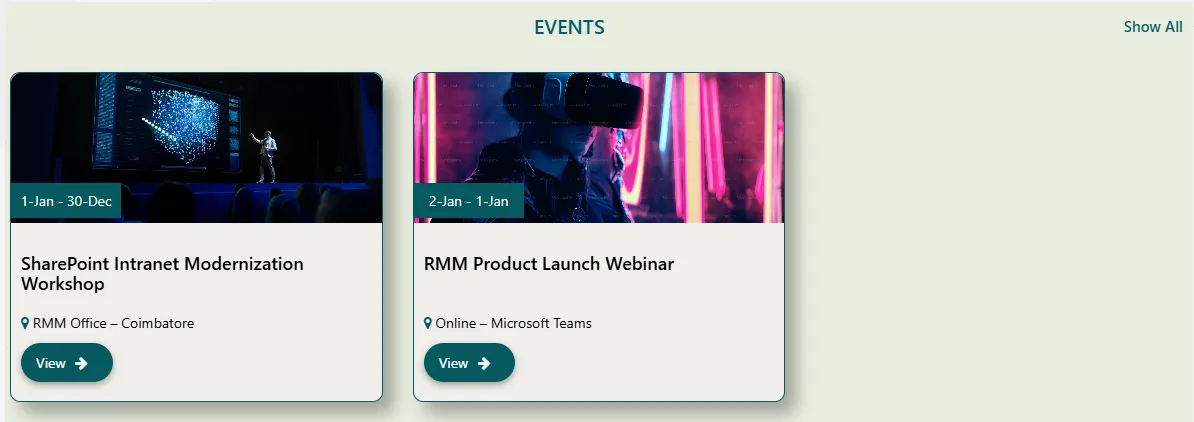 Events
Events
Display upcoming workshops, webinars, and internal events in SharePoint with clear dates, venues, and quick access links via dynamic web parts.
Explore Docs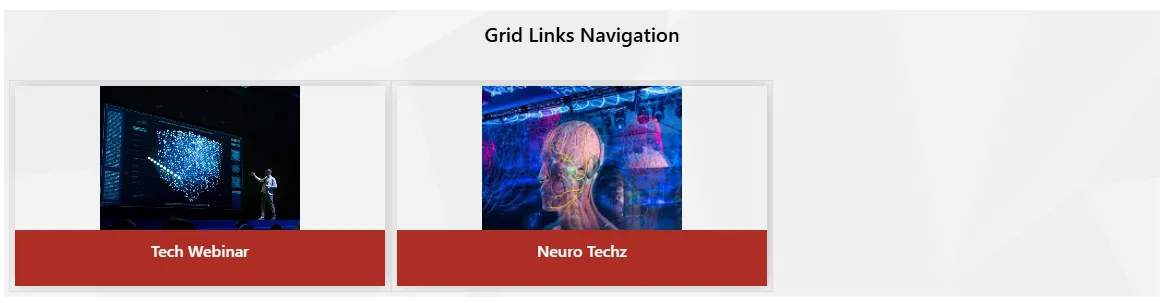
Grid Links Navigation
Organize quick-access links in a clean grid layout for easy navigation to key pages, tools, and resources on modern SharePoint Online intranets.
Explore Docs HR & Team
Team Members Slider
Slider/carousel webpart to highlight team members with images, roles, and contact links for better internal visibility on your SharePoint intranet.
Explore Docs Media
Media
3D Slider
Present featured content in a stunning depth-effect 3D carousel with auto-play, navigation arrows, and configurable slide timing for SharePoint intranets.
Explore Docs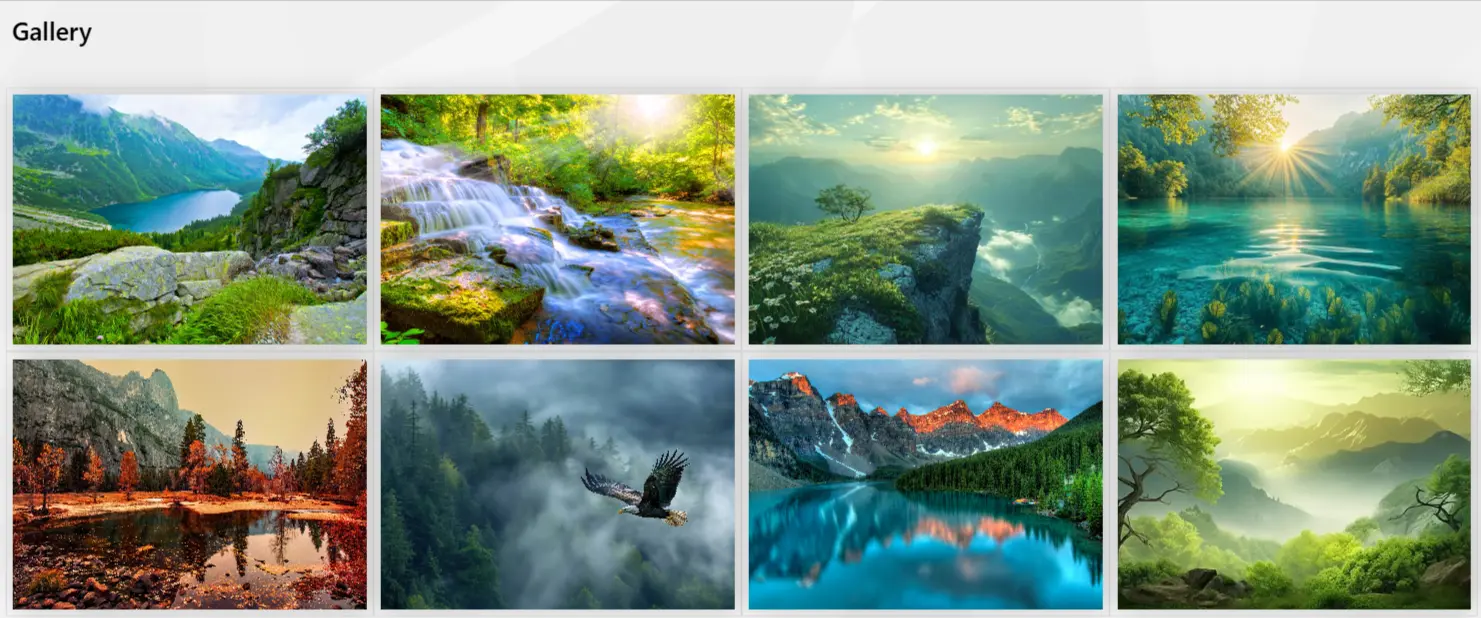 Media
Media
Gallery
Display corporate event photos and media in a responsive gallery with stack or grid layouts, category filtering, and configurable column counts.
Explore Docs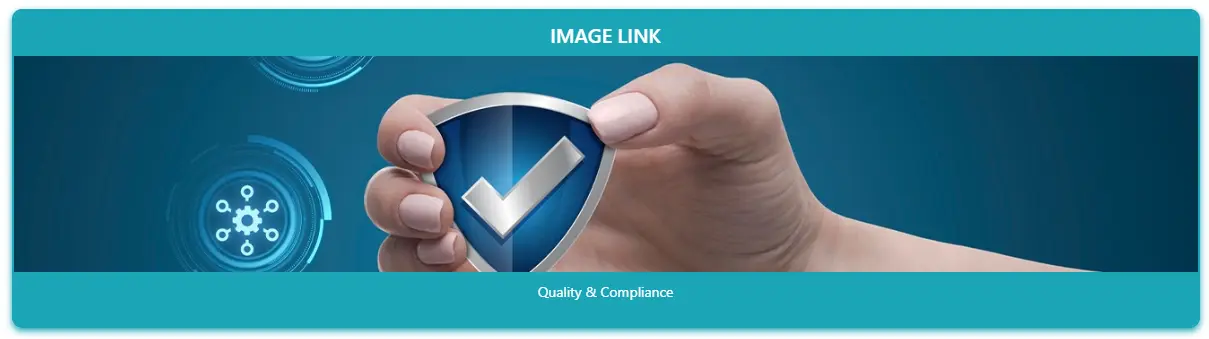
Image Links
Navigate users to key intranet pages using full-width clickable image banners with optional title overlays and category-based filtering.
Explore Docs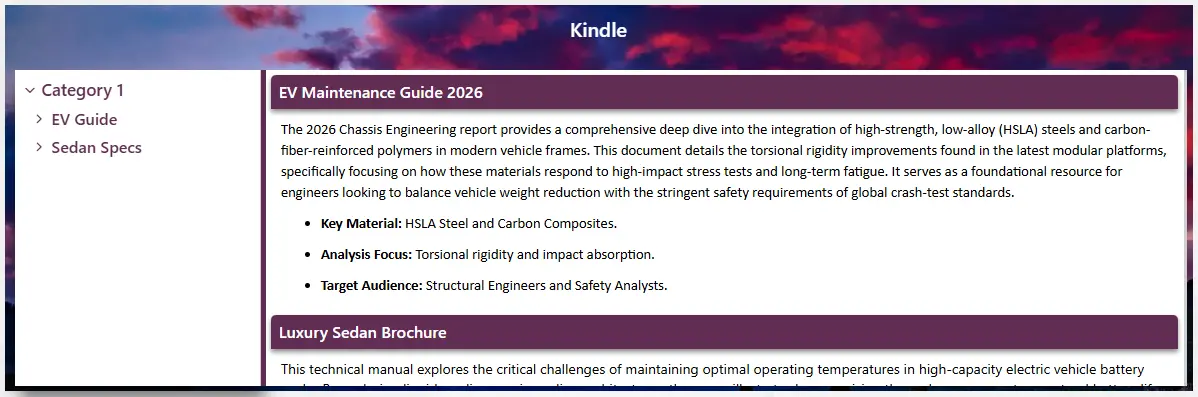 Knowledge
Kindle
Generate structured user manuals and knowledge bases with a tree-navigation sidebar and rich content reader panel, fully managed from a SharePoint list.
Explore Docs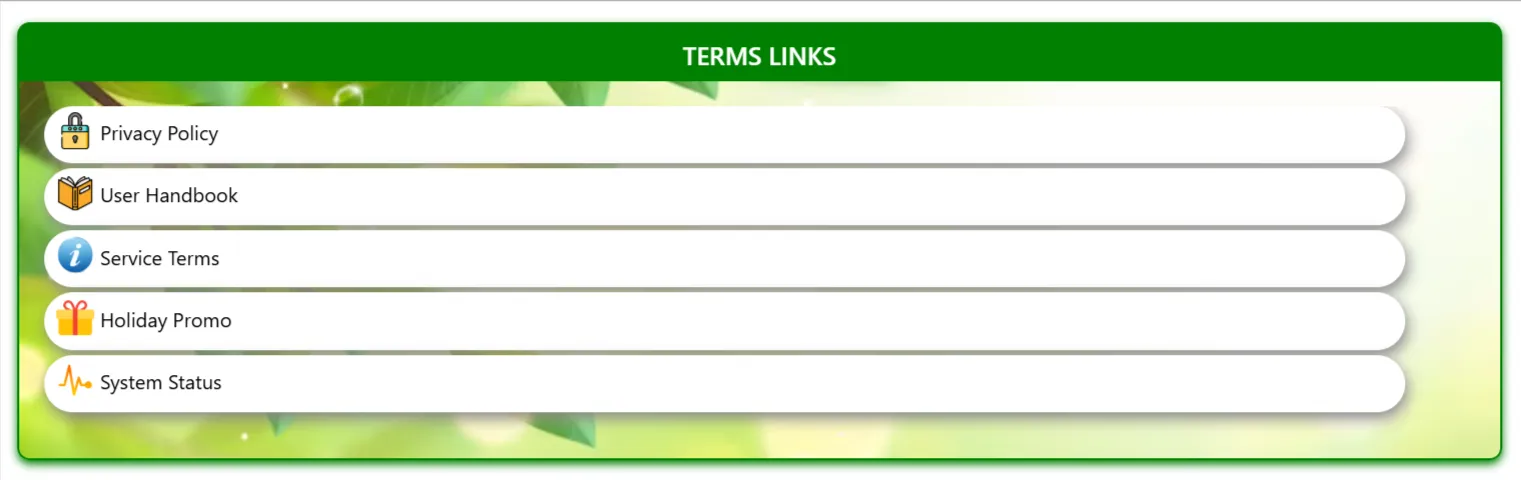 Compliance
Model Terms Box
Display categorized legal terms, company policies, or glossaries in a structured, searchable box format for easy reference.
Explore Docs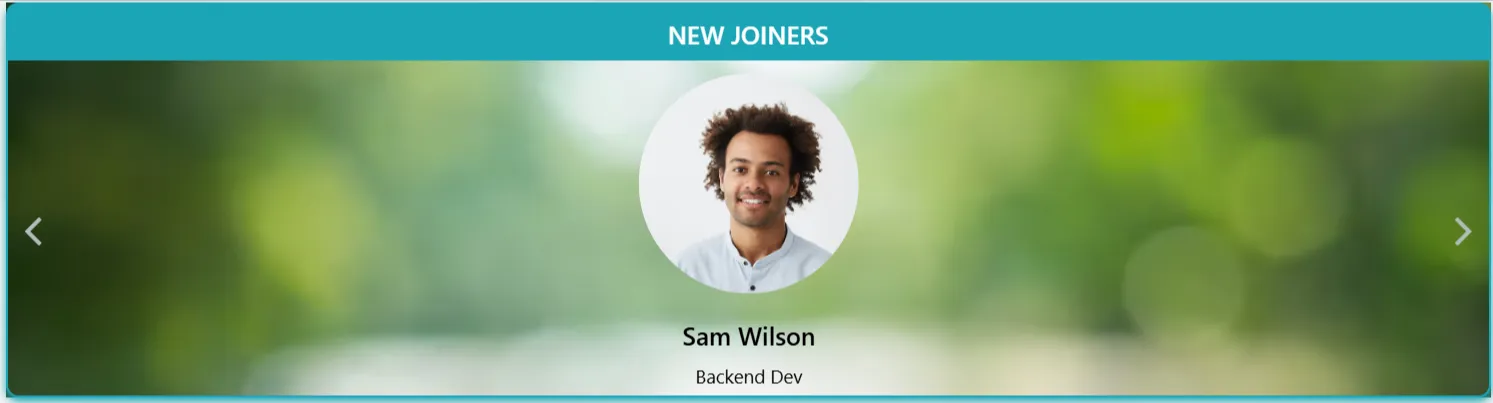 HR & Team
New Joiners Carousel
Welcome new employees with a dynamic carousel featuring their profiles, roles, and start dates to foster a welcoming culture.
Explore Docs HR & Team
Our Team
Introduce your leadership and team members with professional profiles, contact details, and role descriptions in a sleek, organized layout.
Explore Docs Layout
Footer
Modern, multi-column footer for SharePoint sites providing unified navigation, social links, and branding.
Explore Docs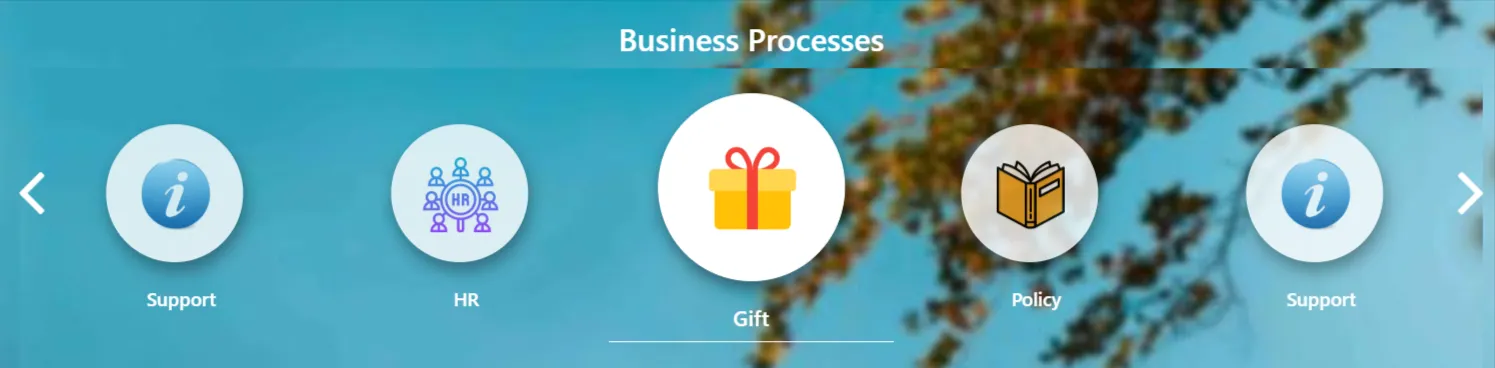 Process
Process Navigation
Interactive step-by-step navigation to simplify complex business workflows and employee journeys.
Explore Docs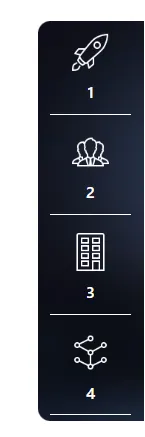
Quick Launch
Sleek vertical sidebar navigation optimized for quick access to core tools, categories, and resources.
Explore Docs Engagement
Quotes
Display organizational values, leadership messages, or daily motivation in a premium, auto-rotating card.
Explore Docs Media
Media
Slick Slider
Create responsive image and content sliders with customizable arrows, dots, and transition effects.
Explore Docs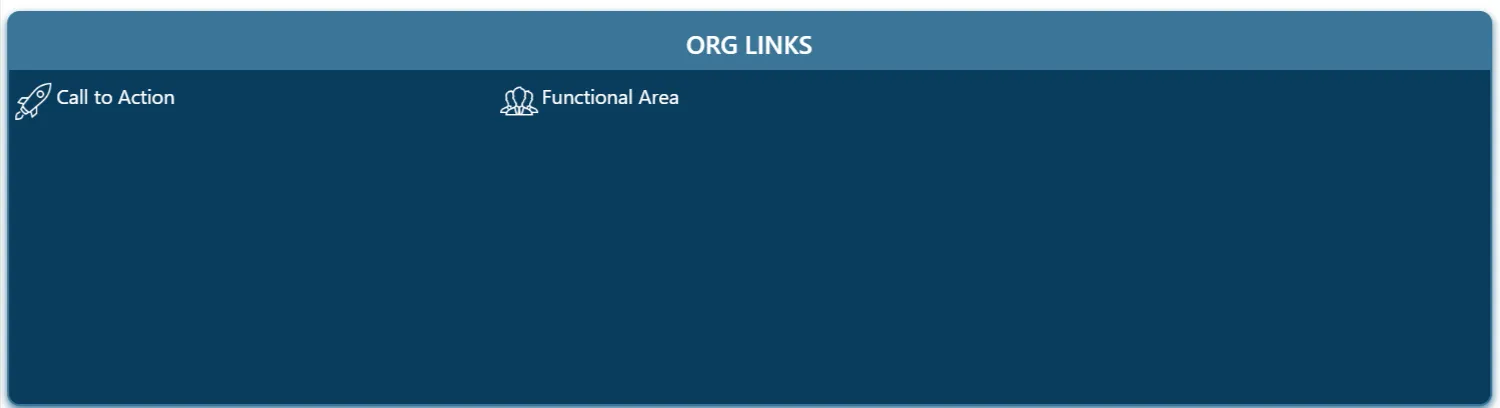
Standard Links
Organize and display lists of important links, quick resources, and external websites in a structured panel.
Explore Docs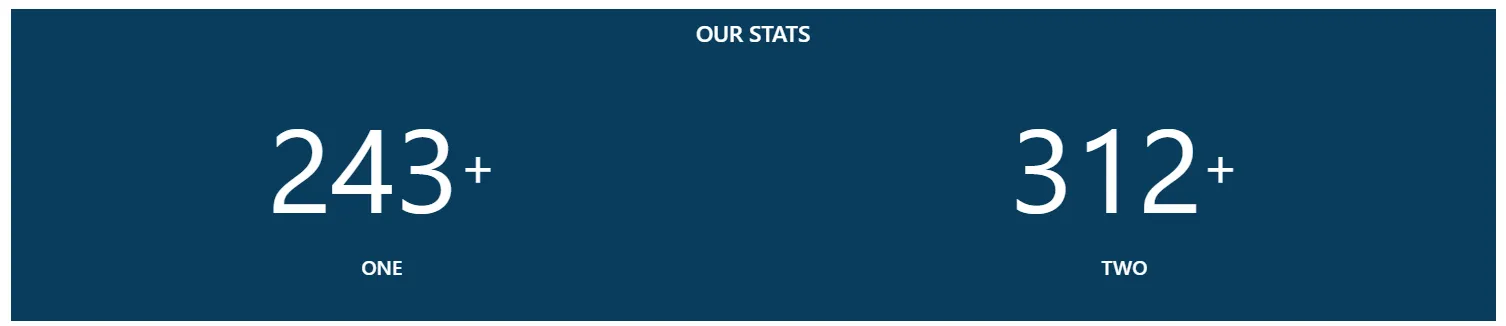 Analytics
Stats Counter
Track and display key performance indicators (KPIs), milestone metrics, and numbers with interactive animated counters.
Explore DocsDeploy Enterprise-Grade Web Parts Today
Learn how each component configures in SharePoint Online, check out transparent one-time pricing, or request custom intranet services.
Use Cases Across Departments
HR Portals, IT Hubs, Sales Dashboards, Project Sites
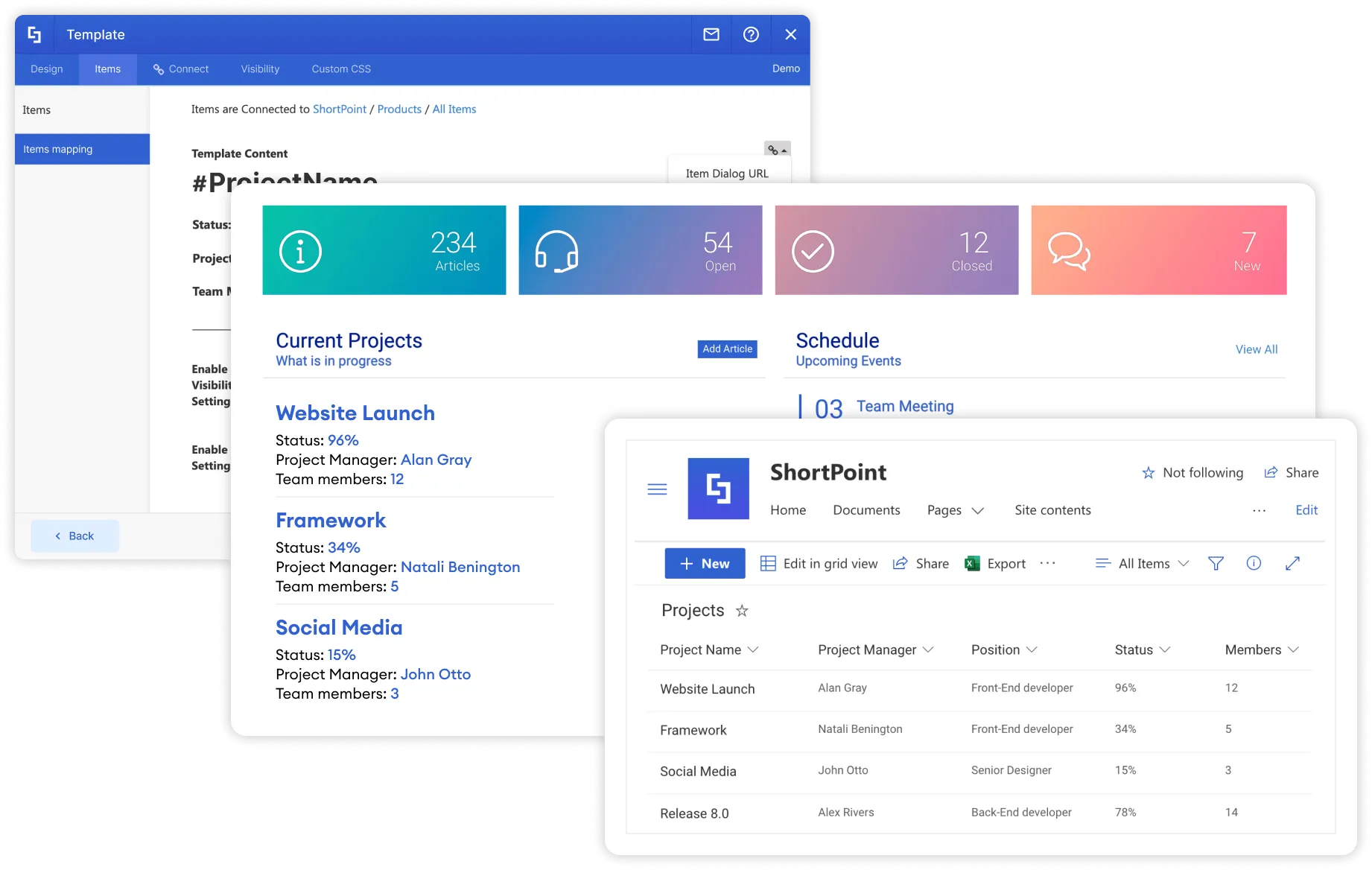
RMM Technologies streamlines department operations with customized SharePoint solutions. From onboarding in HR to ticketing systems in IT, we build forms and dashboards that drive real productivity.
- Tailored Department Portals
- Automated Form Workflows
- Real-time Dashboards

Integration & Customization
Power Automate, Power Apps, Teams, SharePoint Lists
We help organizations extend SharePoint’s capabilities through seamless integration with Microsoft 365 tools. Whether automating tasks or building custom forms and apps, our solutions are built to scale.
- Power Automate Flows
- Custom Power Apps Forms
- SharePoint List Automation
Ready to Build Your Modern Intranet?
With Sharepoint Elegance, you can have the power of SharePoint to create a modern intranet that drives business success.
Book a Demo Contact Us